咨詢熱線:0532-86366268


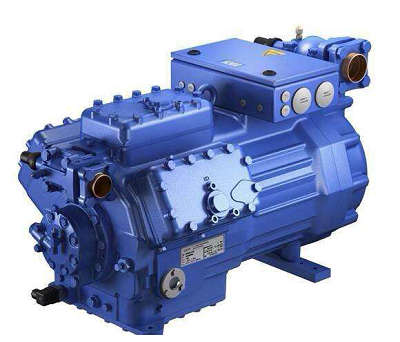
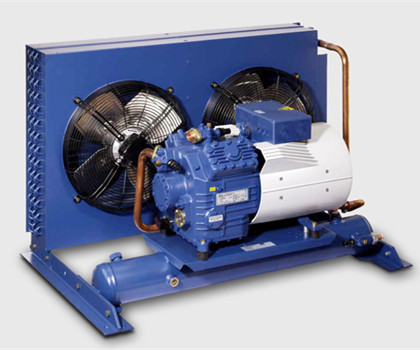
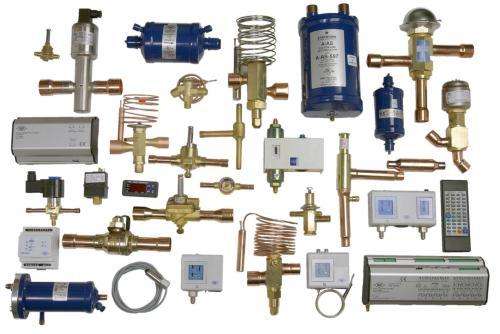
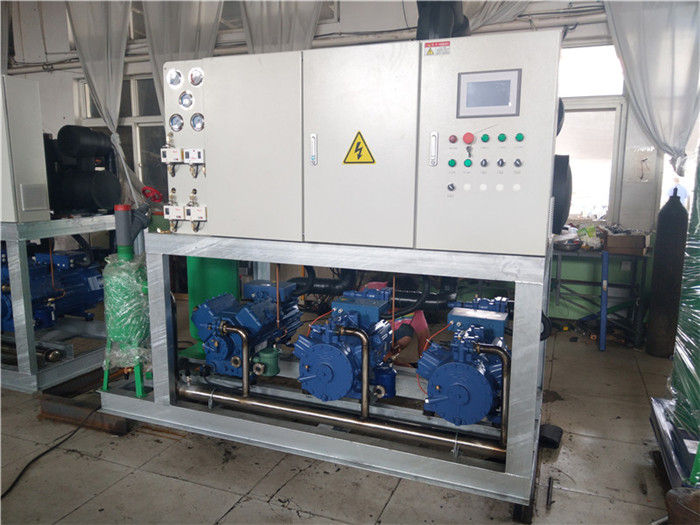
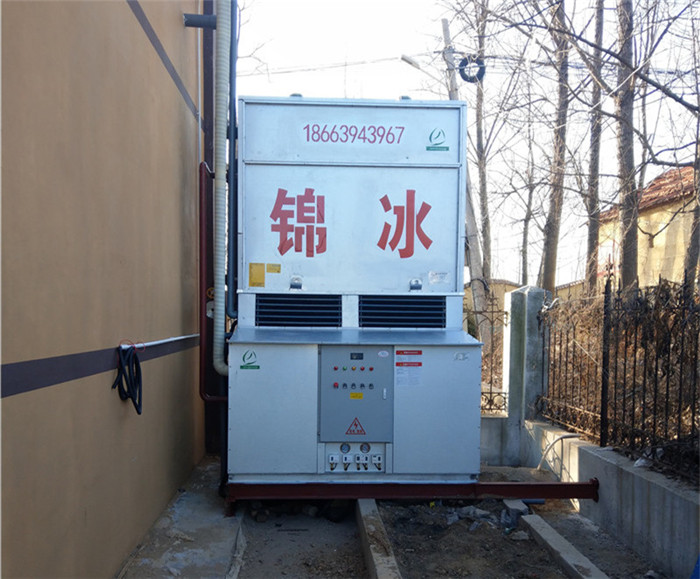
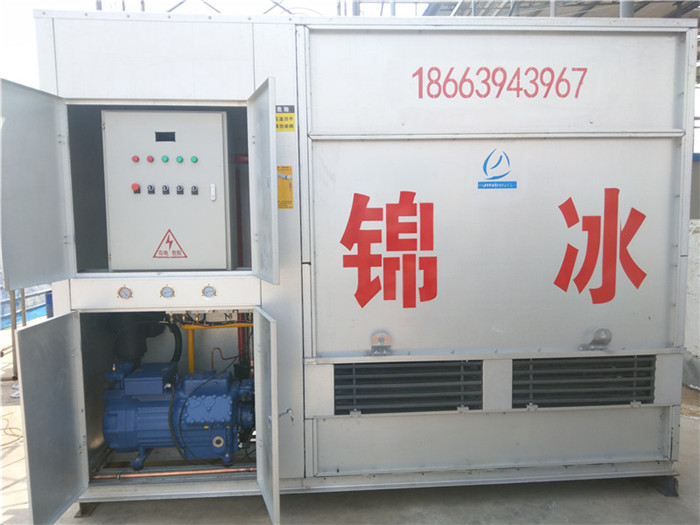
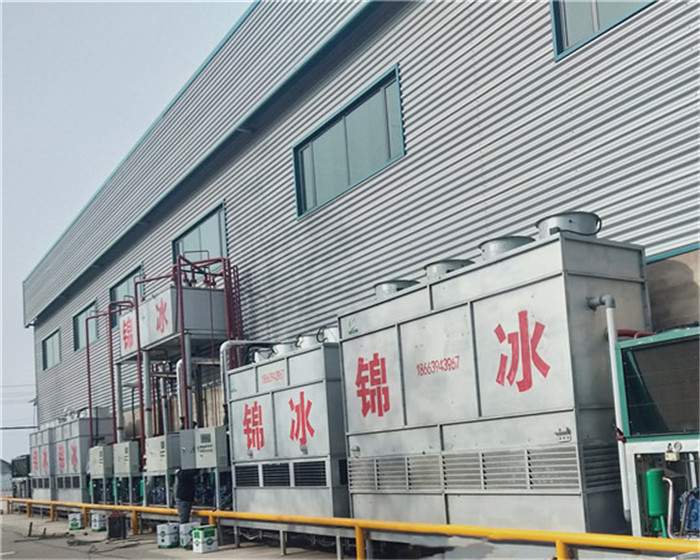
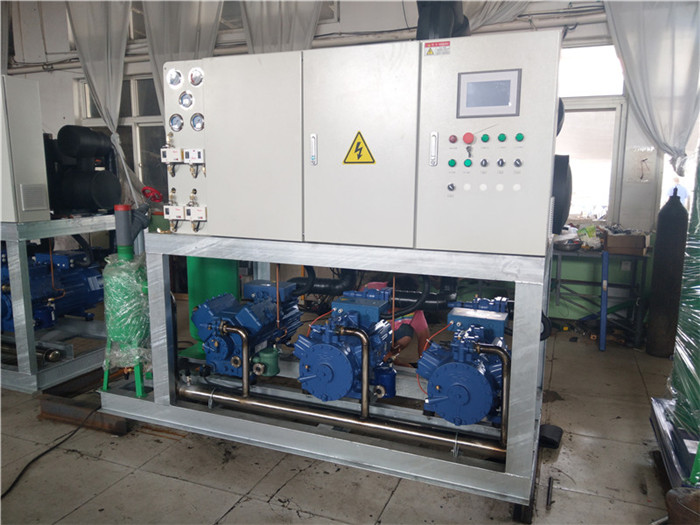
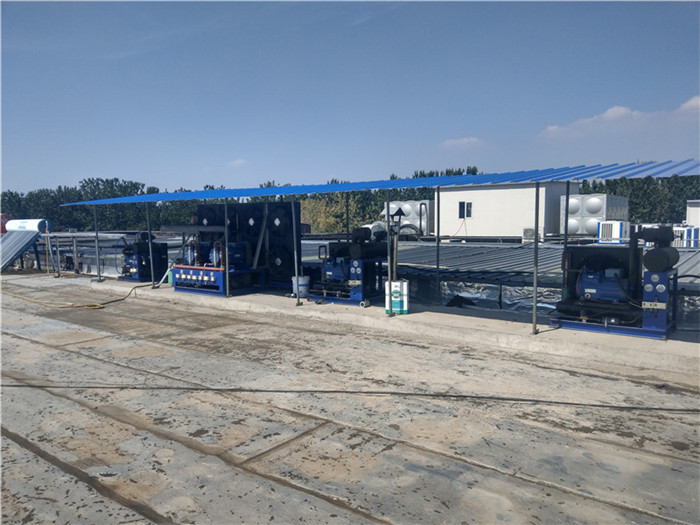
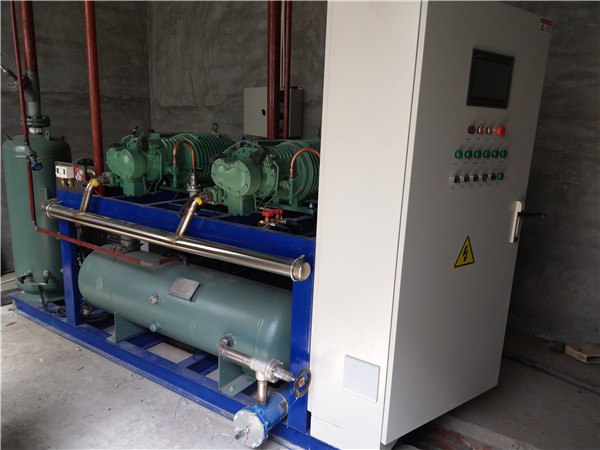
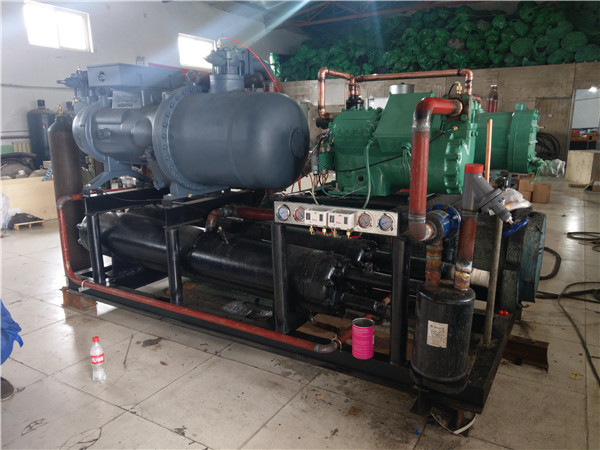
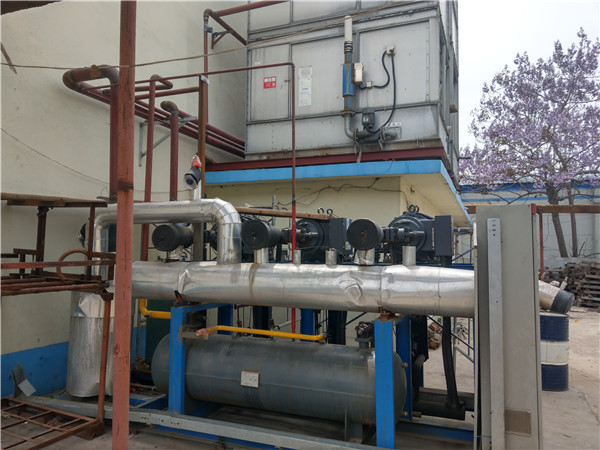
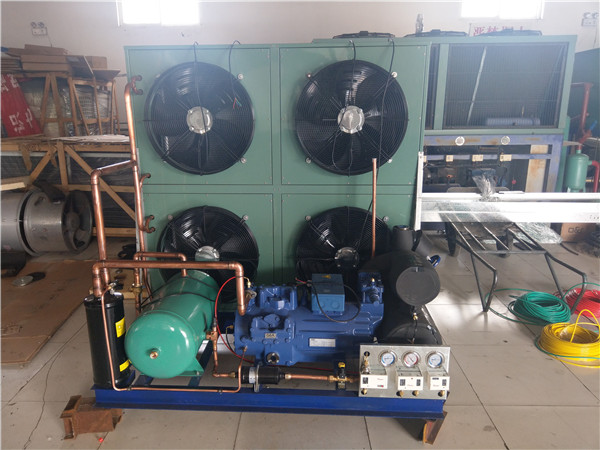
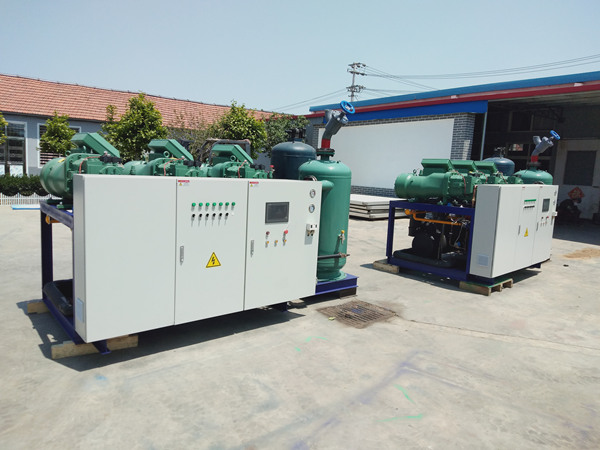
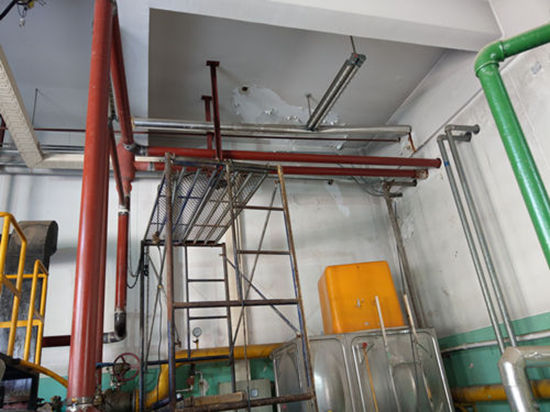
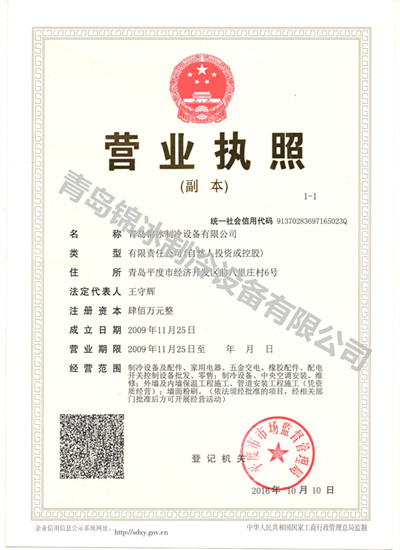
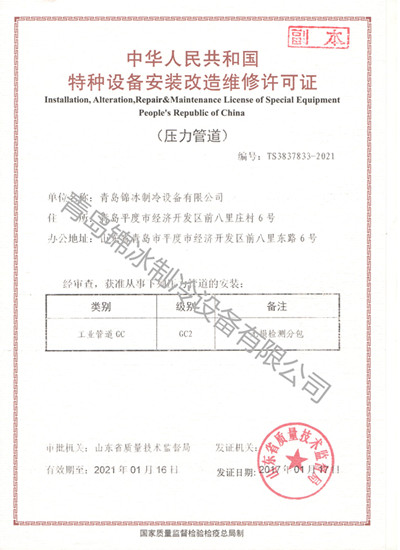
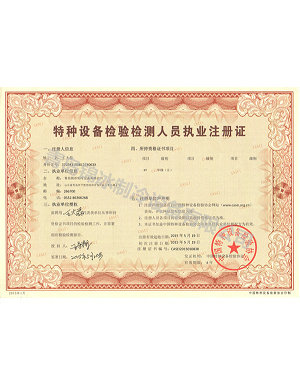
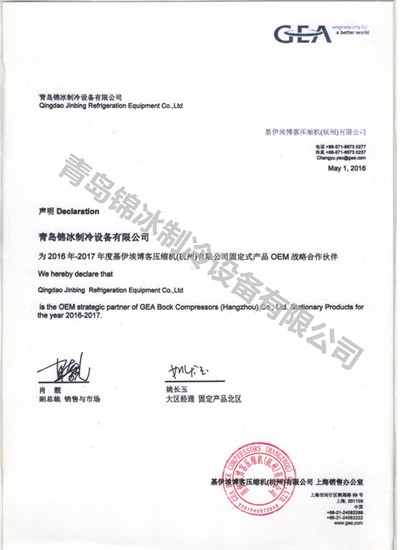
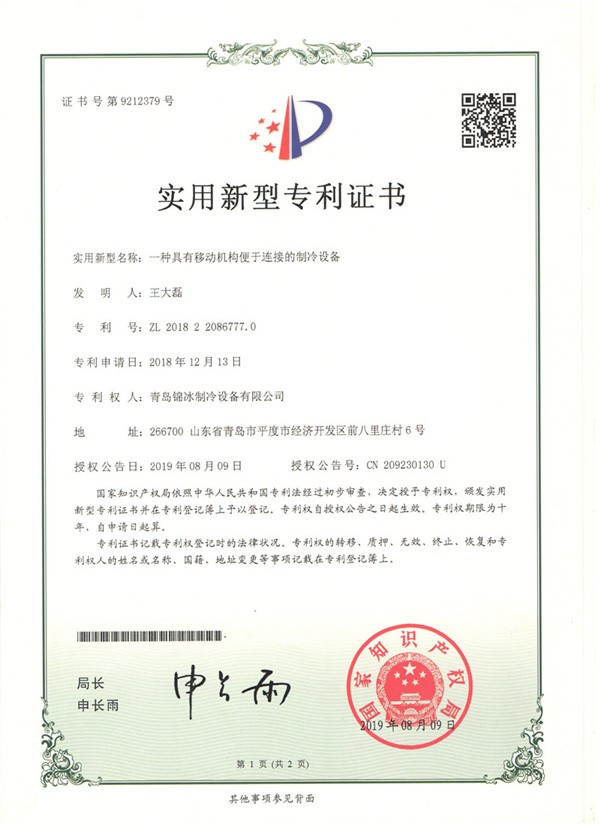
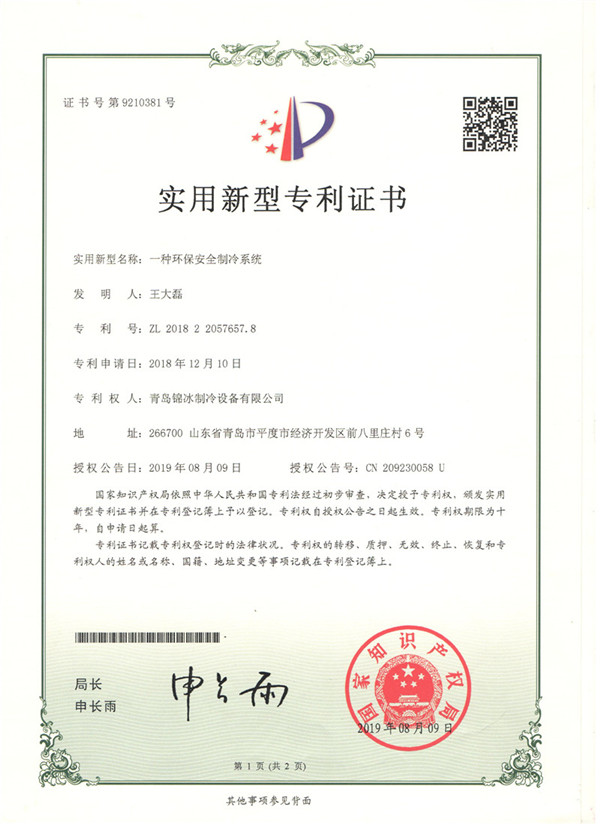
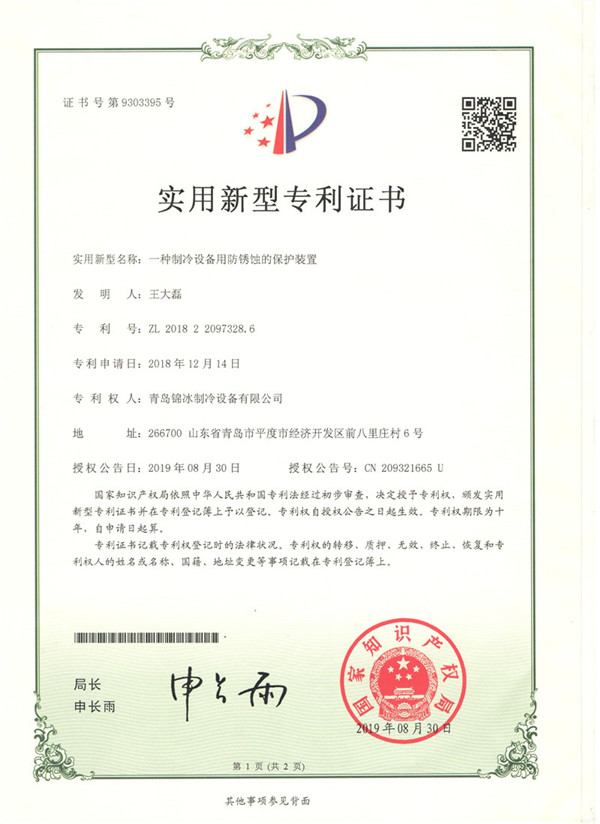
青島錦冰制冷設(shè)備有限公司由97年的一支青島冷庫安裝隊(duì)伍,09年在青島市平度市正式成立公司,到目前已經(jīng)有二十多年的從業(yè)經(jīng)驗(yàn)。公司擁有6名持證技術(shù)人員,技術(shù)服務(wù)精湛到位,熟知各種制冷系統(tǒng)。十余名持證焊工,提高工程質(zhì)量。公司秉承客戶至上的原則,與制冷行業(yè)企業(yè)煙臺冰輪股份有限公司,以及GEA-BOCK博客壓縮機(jī)集團(tuán)簽訂協(xié)議,得到兩大集團(tuán)的技術(shù)支持,使本公司所做工程擁有完善的技術(shù)保障。2016年成功取得GC2壓力管道安裝資質(zhì),正式成為壓力管道安裝正規(guī)軍。 公司經(jīng)營范圍: 1.承接大中小型恒溫庫、低溫庫、速凍庫、氣調(diào)庫的設(shè)計(jì)、安裝與技術(shù)支持 2.主營博客壓縮機(jī)機(jī)組,代銷比澤爾、谷輪、精威等多個(gè)品牌壓縮機(jī) …
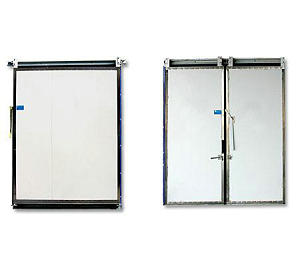
青島冷庫安裝設(shè)計(jì)過程中冷庫門的選擇要根據(jù)進(jìn)出貨的方式選擇, …【詳情】
很多人對于青島壓力管道安裝的了解有限,但我們先把這個(gè)以及壓力…【詳情】
短路、斷路和繞組碰機(jī)殼接地:這是由博客壓縮機(jī)的電機(jī)部分…【詳情】
要冷庫建造出適合自己的冷庫,就須要先找合適的青島冷庫安裝…【詳情】
冷庫安裝隨著行業(yè)迅猛發(fā)展,冷庫安裝以全新的建筑理念替代了…【詳情】
青島壓力管道安裝在我們的生活中經(jīng)常可以看見,鐵心是壓力…【詳情】
壓力管道安裝是一件很復(fù)雜的工作,對于細(xì)節(jié)的注意更是重要,良…【詳情】
隨著現(xiàn)代制冷技術(shù)的發(fā)展和日益成熟,冷庫工程的建設(shè)發(fā)展…【詳情】
壓縮機(jī)一般通過采集蒸發(fā)器出風(fēng)口的溫度信號,當(dāng)溫度達(dá)到設(shè)定…【詳情】
安裝冷凝器安放位置離主機(jī)越近越好,在主機(jī)偏上位,冷凝…【詳情】
熱門城市推廣: